Two complementary approaches to background replacement, each with two examples.

Sources: woman with cat (@image1) |

Sources: futuristic plaza (@image2) |
Two complementary approaches to background replacement, each with two examples.
|
Sources: woman with cat (@image1) |
Sources: futuristic plaza (@image2) |
[META-PROMPT]
Replace the background of @image1 with the scene from @image2.[/META-PROMPT]
|
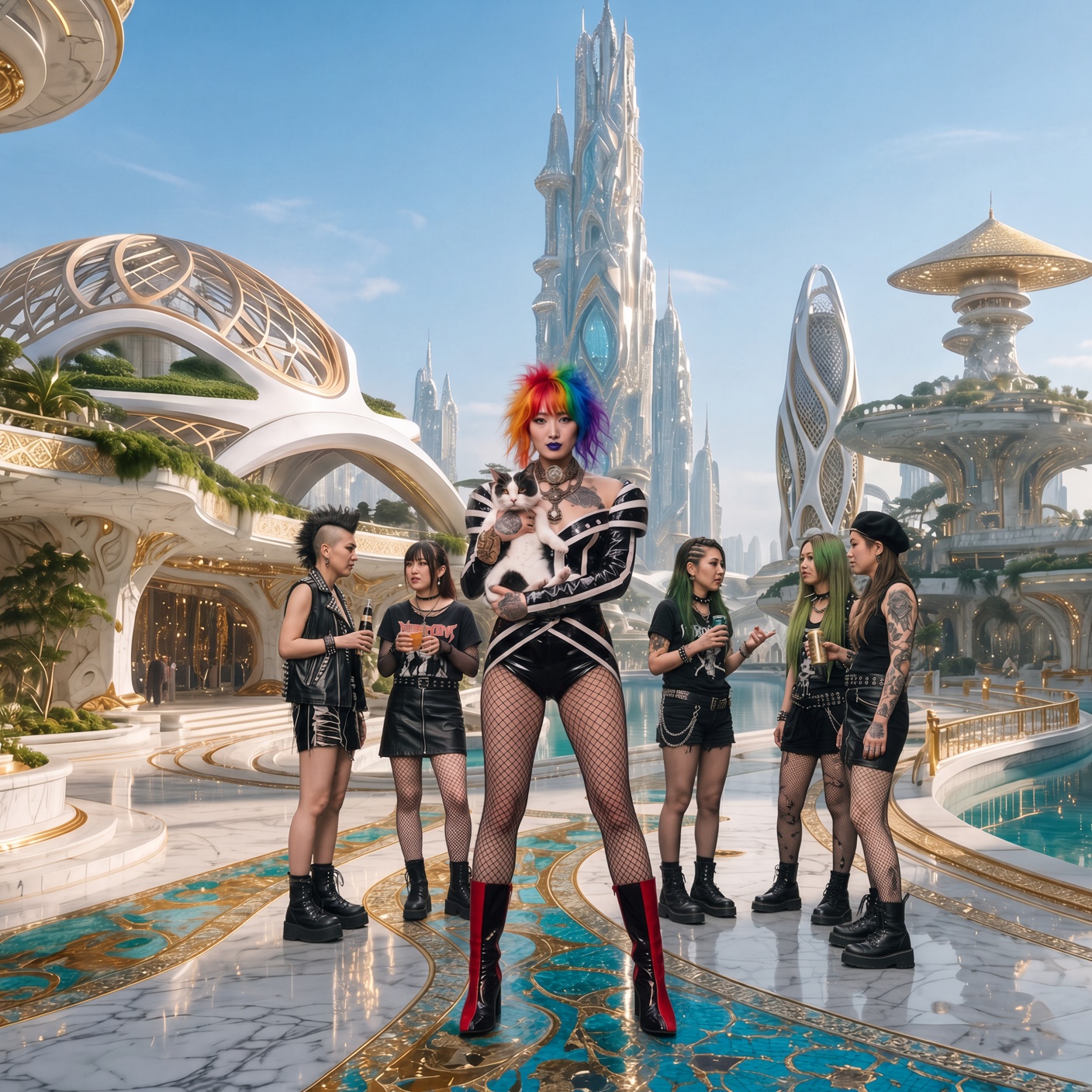
1. Texture priority Replace the background with the futuristic city plaza. Prioritize texture preservation: keep the turquoise mosaic patterns and gold inlays clearly visible in the foreground flooring, retain the organic white structures and reflecting pools. Adjust lighting only as needed to harmonize. Keep all subjects completely unchanged. Hyper-realistic. |

|
|
2. Scale & architecture emphasis Replace the background with the futuristic city plaza. Emphasize the grand scale and organic architecture, place the subjects naturally in the plaza with matching soft daylight. Preserve white marble, gold accents and any visible turquoise patterns. Keep all subjects, poses and identities completely unchanged. Hyper-realistic. |
|
[META-PROMPT]
Replace the background of @image1 with the background from @image2.[/META-PROMPT]
|
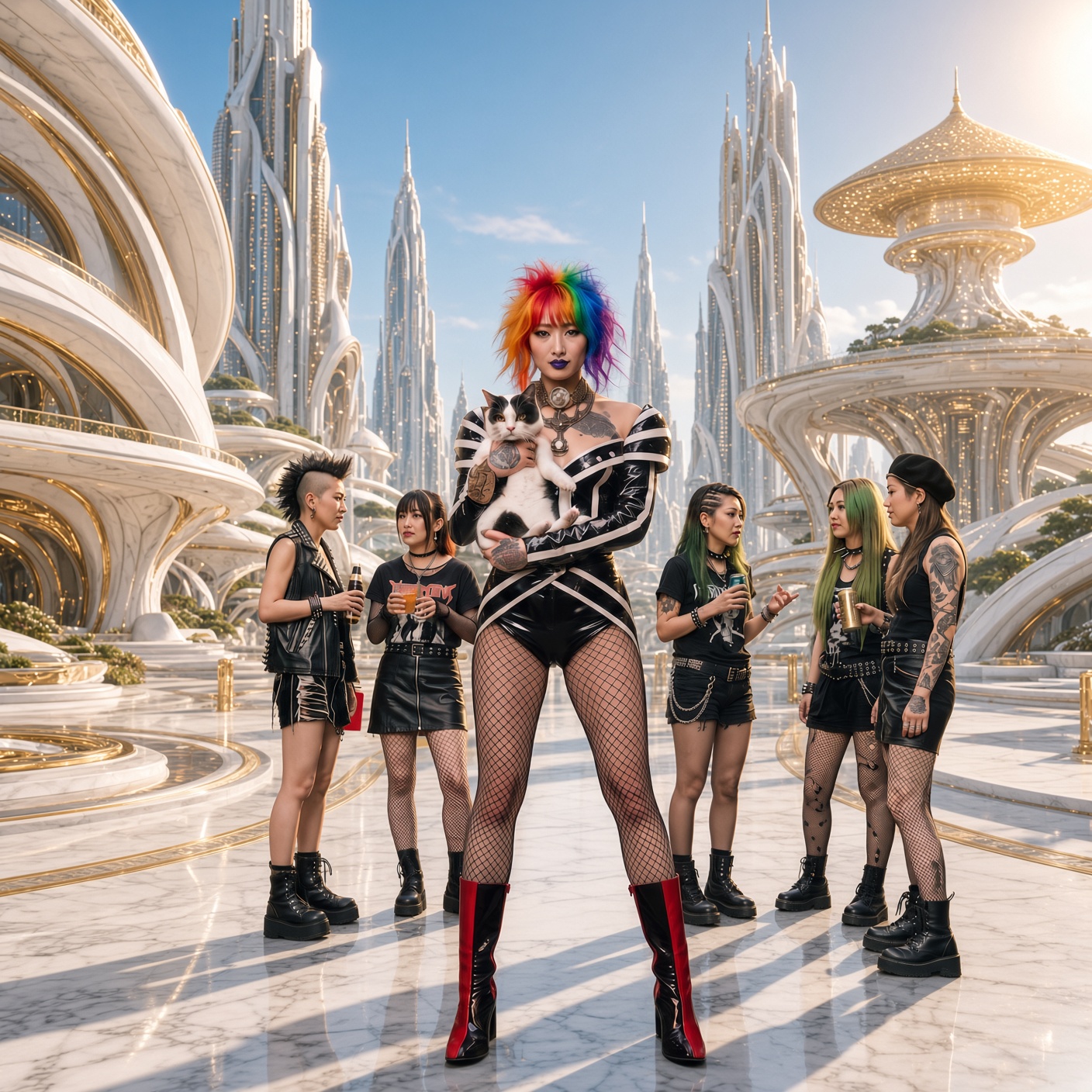
1. Strong right-side relight Replace the background with the futuristic white-and-gold city plaza. Intelligently relight and color-adjust all the subjects so their illumination, shadow direction, light intensity, color temperature and overall lighting mood perfectly match the new background’s strong right-side sunlight. Cast clear shadows consistent with light coming from the upper right. Keep every subject’s identity, pose, clothing and details intact. Hyper-realistic. |
|
|
2. Directional sunlight match Replace the background with the futuristic city plaza. Relight the entire group to match the background: strong directional sunlight from the upper right, warm highlights on the right side of faces and bodies, cooler shadows on the left. Preserve identity, pose, clothing, the cat and all details exactly. Natural composite as if photographed in place. Hyper-realistic. |

|
Next : Hyper-Future Cities — long city descriptions, free palettes, documentary realism
More : Meta-Prompts Library
← Back to index