Reusable meta-prompt that mixes two source prompts according to a ratio n.
In the example we use "lone traveler in red desert at dusk" and "scientist in flooded neon city at night" for the prompt sources.
A simple linear interpolation strategy will evolve a prompt from one to the other.
The example shows also that you can assign prompts to variables and give a name to the Meta-Prompt using code>MPname =.
Note that MPname : or MPname() are also accepted.
PA:lone traveler in red desert at dusk.
PB:scientist in flooded neon city at night.
You can easily replace PA & PB definition to interpolate your own prompts. Use the Fixed: tag for parts you don't want to be mutated.
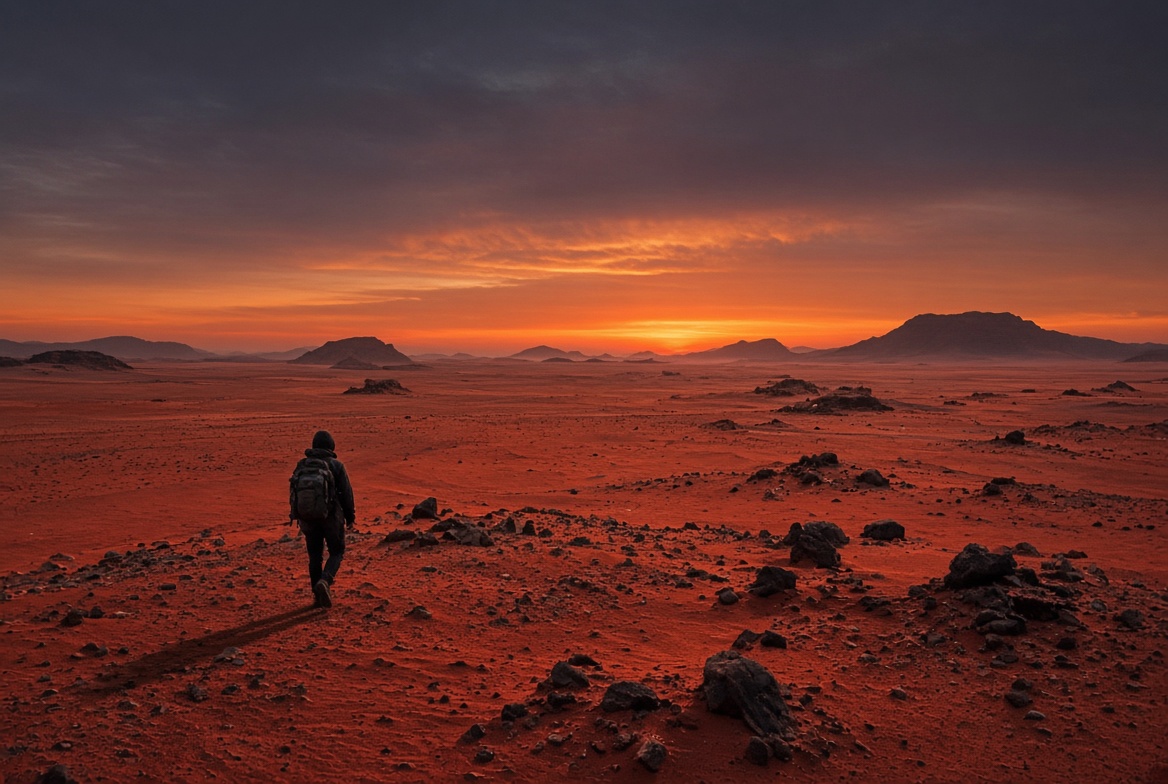
n = 0% (pure A)
A lone traveler crossing a vast red desert at dusk, cinematic, hyper-realistic
|
|
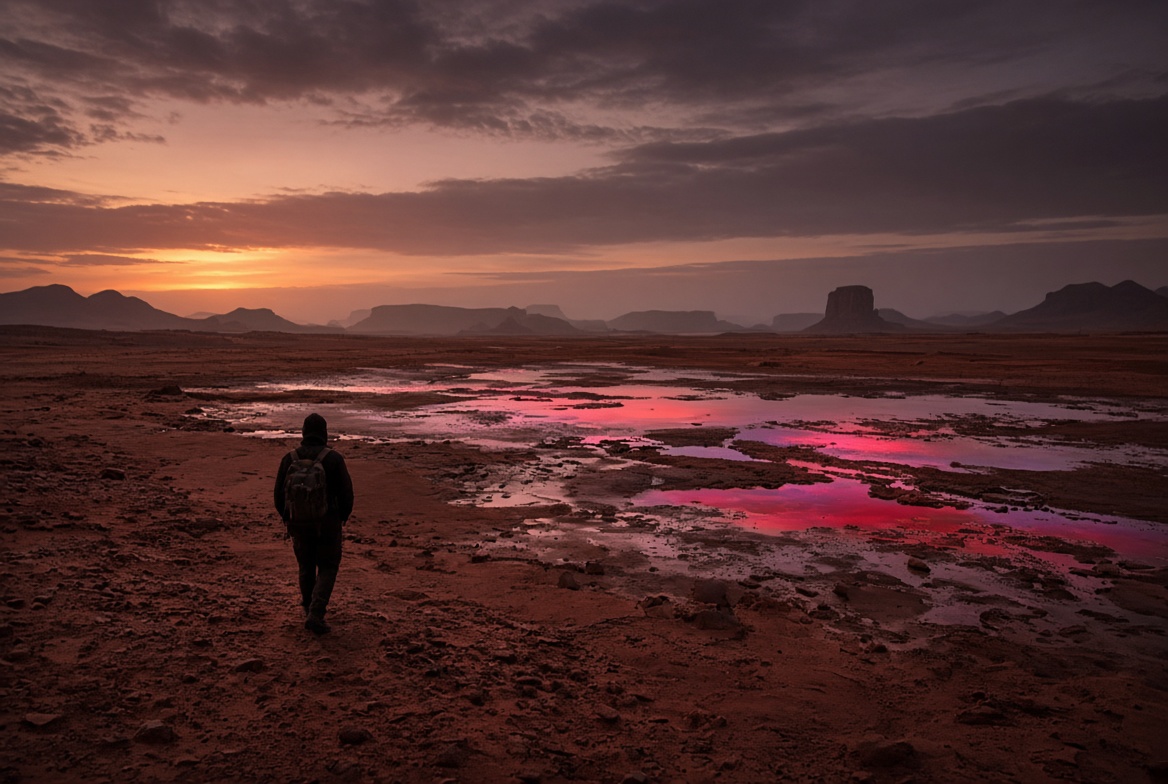
n = 25%
A lone traveler crossing a vast reddish desert at dusk, with subtle neon reflections appearing in distant shallow water pools, cinematic, hyper-realistic
|
|
n = 50%
A traveler-scientist figure walking through a hybrid landscape where red desert dunes meet flooded neon-lit streets at twilight, cinematic, hyper-realistic
|

|
n = 75%
A scientist standing in a flooded neon city at night, with remnants of red desert sand and dusk light still visible in the water and sky, cinematic, hyper-realistic
|

|
n = 100% (pure B)
A scientist standing inside a flooded neon city at night, cinematic, hyper-realistic
|

|